
Zapya
Zapya is a free Android app from DewMobile for sharing files between nearby phones, tablets and computers without using mobile data.
25.2 MB

6.54.58 · SHAREit Technologies Co.Ltd · Page updated
SHAREit is an Android app for sending photos, videos, apps and documents between nearby devices without using mobile data.
Average 0.0 · ratings: 0
Thank you! Your rating is saved; you can change it. Could not save the rating. Please try again later. Too many ratings from your network today. Please try again tomorrow. The average appears after 5 ratings.
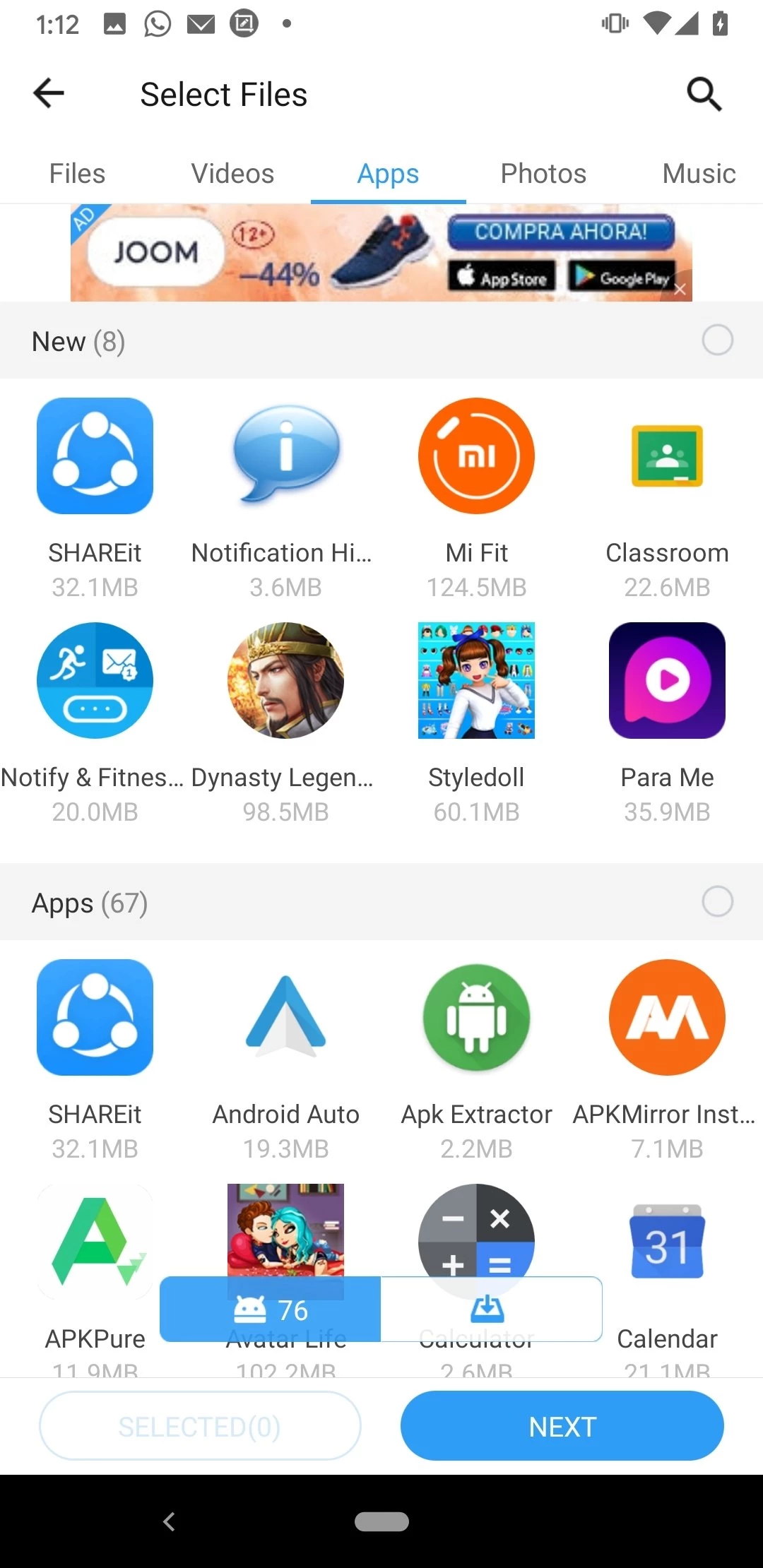
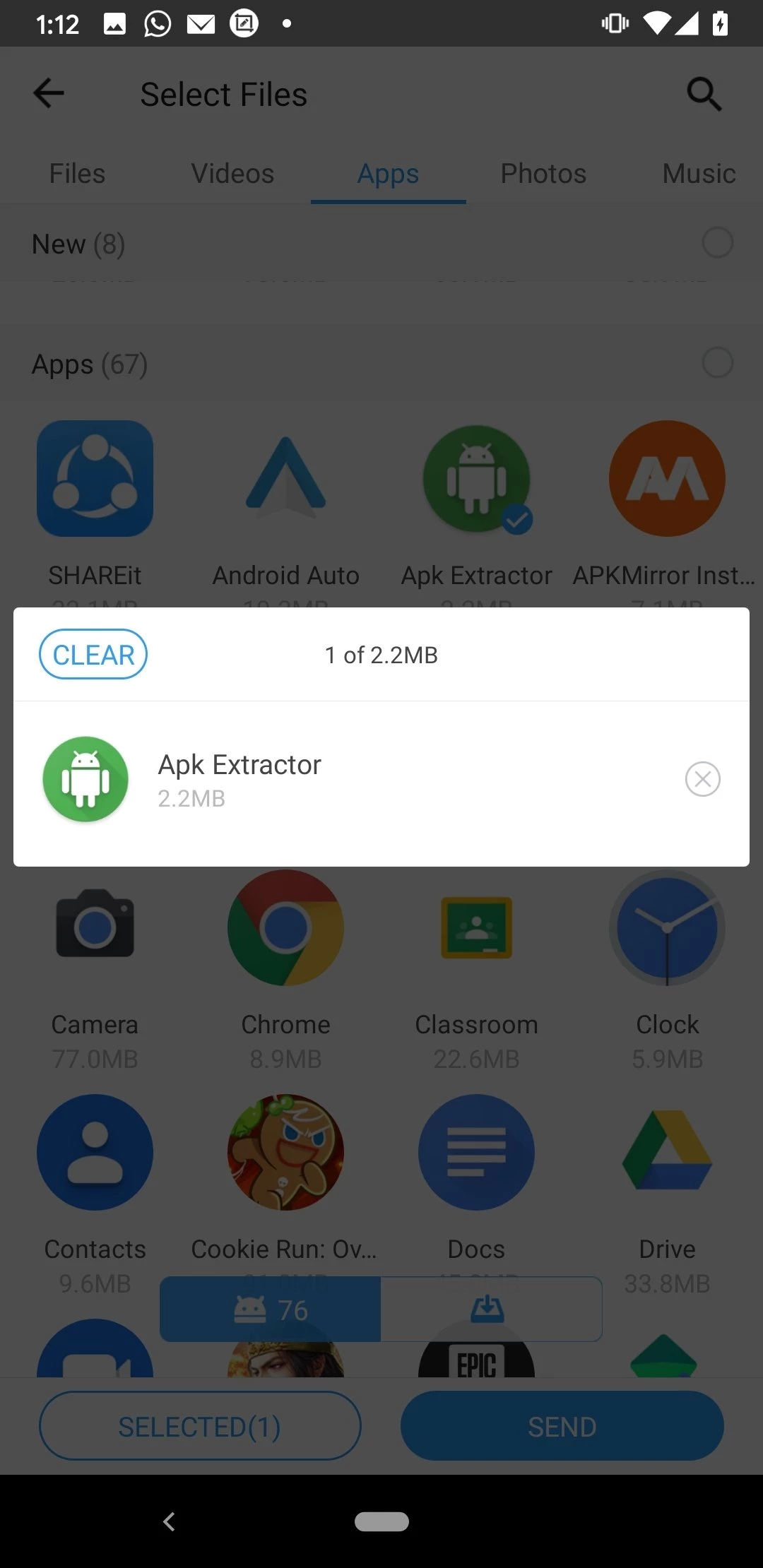
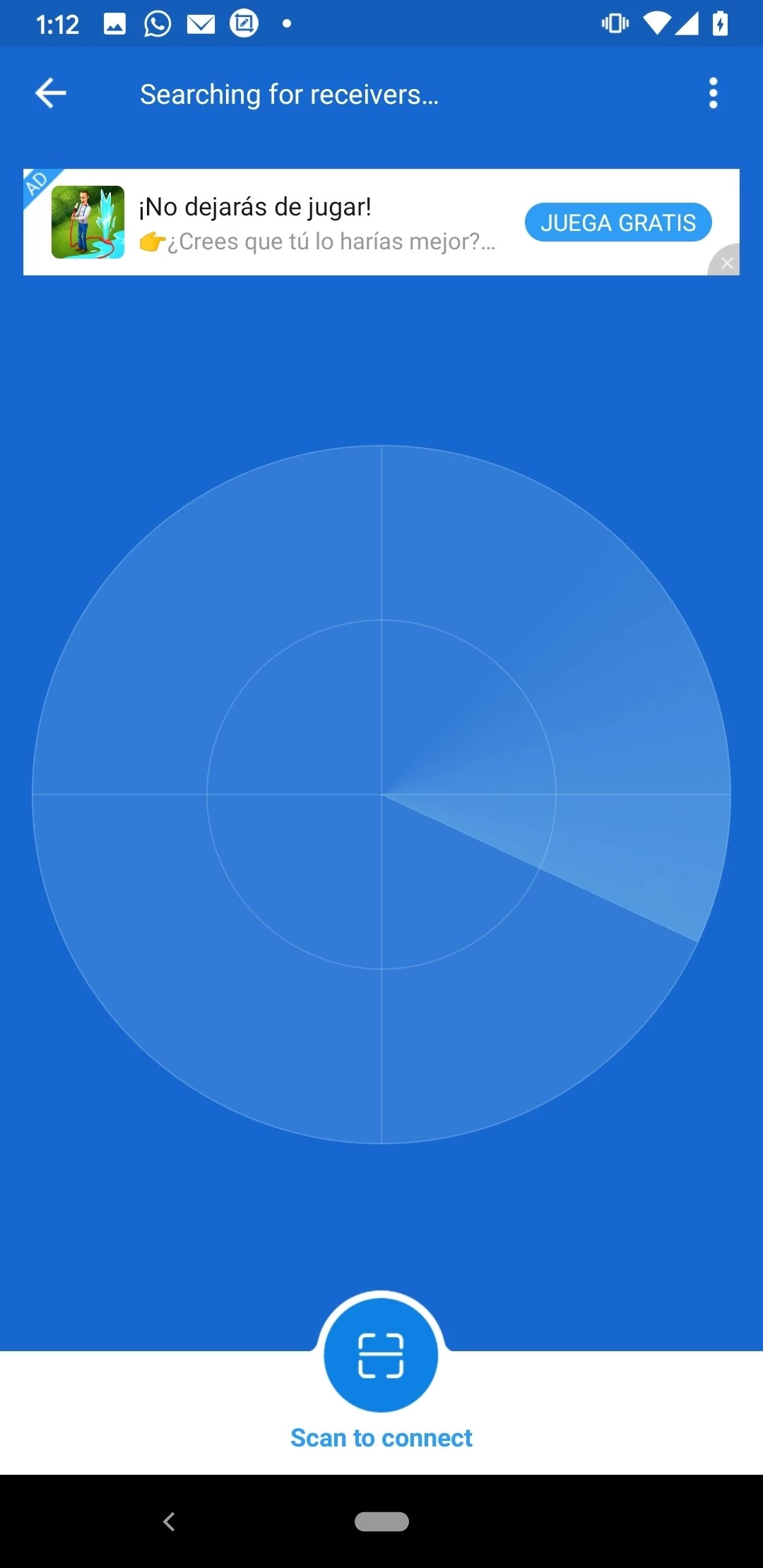
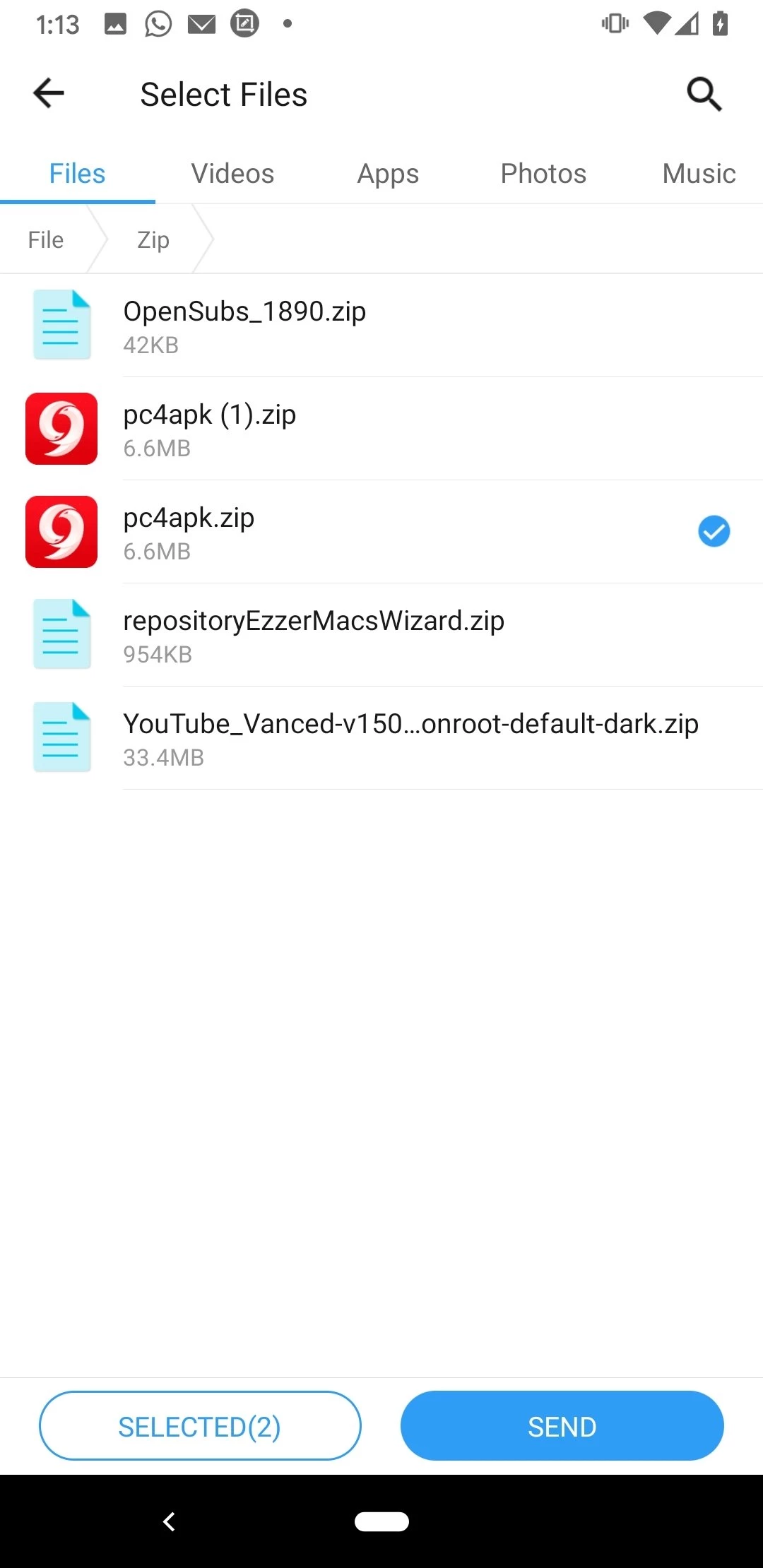
SHAREit 6.54.58 is an Android app from SHAREit Technologies for sending files between nearby devices without cables and without spending mobile data. You can download SHAREit for Android via the official website ushareit.com and share photos, videos and documents with friends in a few taps.
SHAREit is used above all where people want to move big files quickly and cheaply. Think of friends swapping holiday videos after a trip, a family moving photos from an old phone to a new one, classmates sharing lecture recordings, or someone who needs to pass a large document to a colleague in the same room. Sending such files through a messenger or email compresses them or uses expensive mobile data, and cloud uploads take time on a slow connection. A nearby transfer app solves this by connecting the devices directly. It suits users of budget phones and prepaid plans in particular, where every megabyte counts. If you rarely share more than a few pictures, the tools already built into your phone or your messenger may be enough, and there is no need for another app.
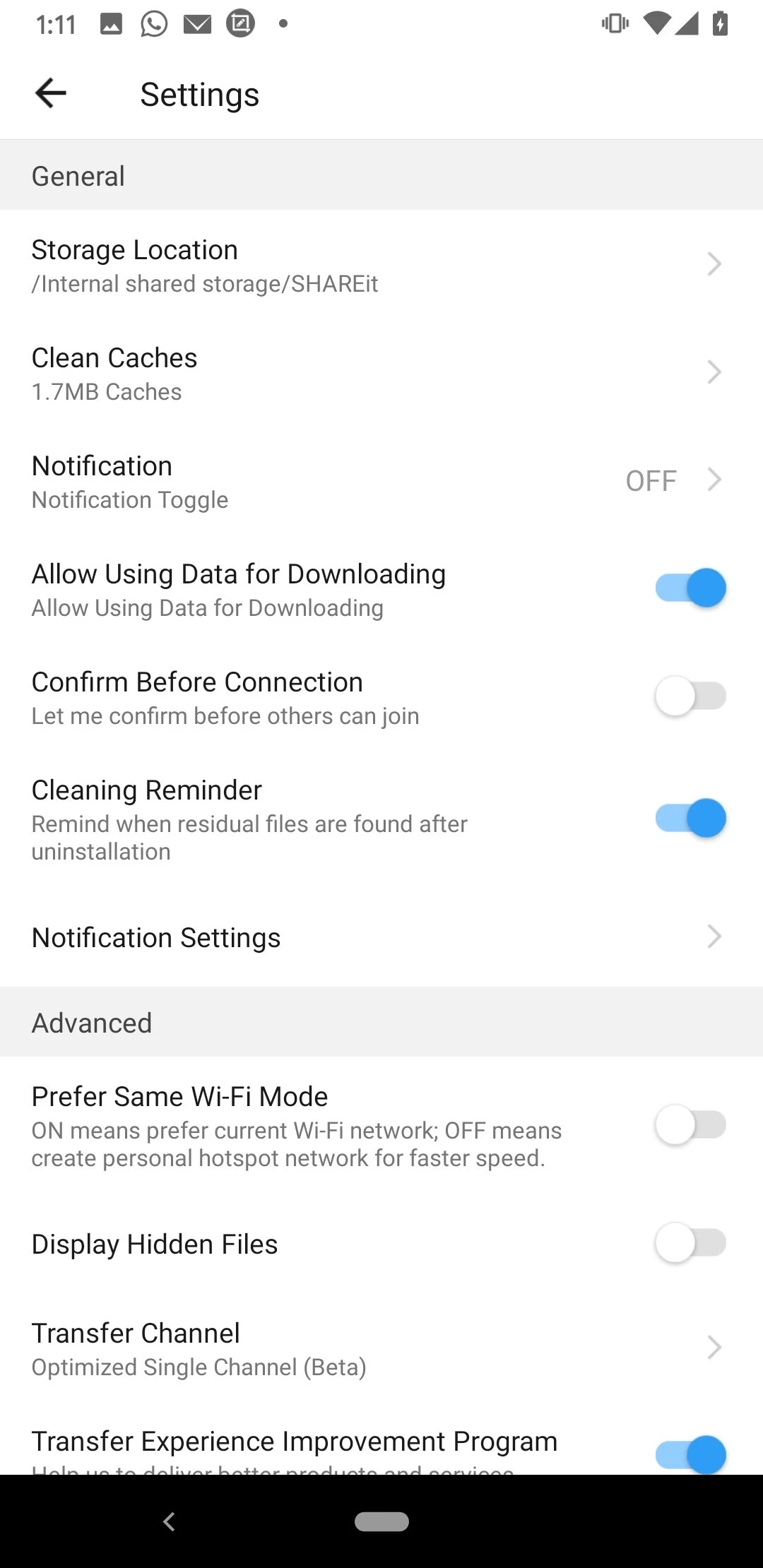
Accept transfers only from people you know, and check files you receive, especially APK installers, before opening them. Review notifications and permissions in the settings and turn off what you do not use. Install SHAREit only from Google Play or the official site, since modified versions that promise no ads are a common source of malware.
SHAREit is free to use.
Keep the phones close, turn off battery saver and any VPN, and make sure both have enough free storage. Restarting the app on both devices often fixes connection problems.
When you switch phones, send photos and videos in several smaller batches rather than one huge transfer, and keep both devices charged. Check a few files on the new phone before deleting anything on the old one.
Other file transfer apps for Android in our listings: Zapya, EasyShare, Send Files To TV and OPPO Clone Phone for moving to a new phone.
Zapya is a free Android app from DewMobile for sharing files between nearby phones, tablets and computers without using mobile data.
ES File Explorer is a file manager for Android from ES APP Group for browsing, copying, moving and organising files on a phone or tablet.

OPPO Clone Phone is the ColorOS app for copying contacts, messages, photos, apps and settings from an old phone to a new OPPO phone over a direct connection.

EasyShare is vivo's free Android app for transferring files and data between phones, often used when moving to a new vivo device.

Send Files To TV is a free Android app by Yablio for sending files between phones, tablets and Android TV devices over a local Wi-Fi network.