
Zapya
Zapya for Windows is a free file transfer app from DewMobile for moving files between a PC and phones over a local wireless connection.
18.6 MB

SHAREit is a free Windows app from the SHAREit Team for moving photos, videos and documents between a PC and a phone. The current version is 5.1.0.7.
Average 0.0 · ratings: 0
Thank you! Your rating is saved; you can change it. Could not save the rating. Please try again later. Too many ratings from your network today. Please try again tomorrow. The average appears after 5 ratings.
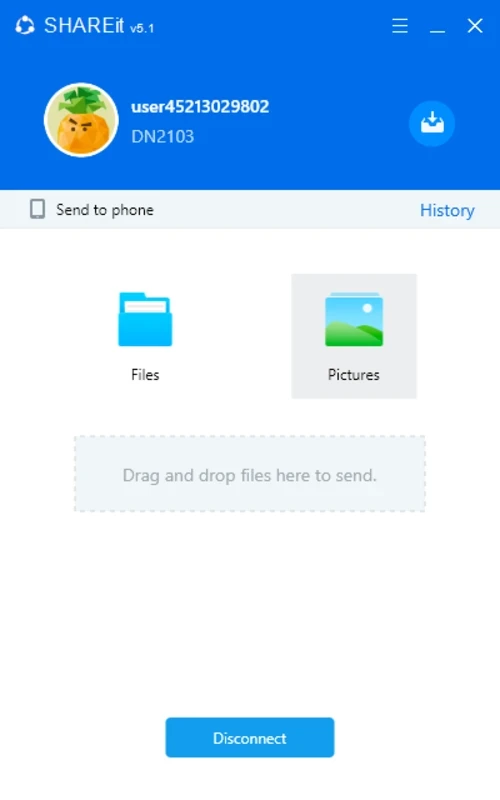
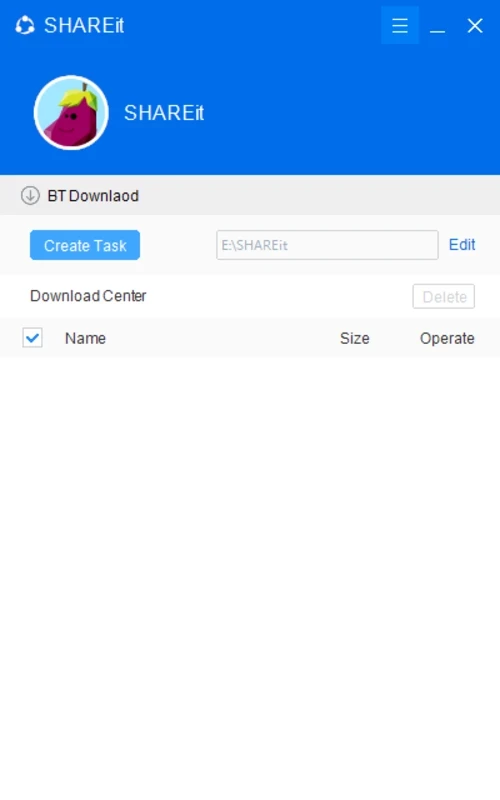
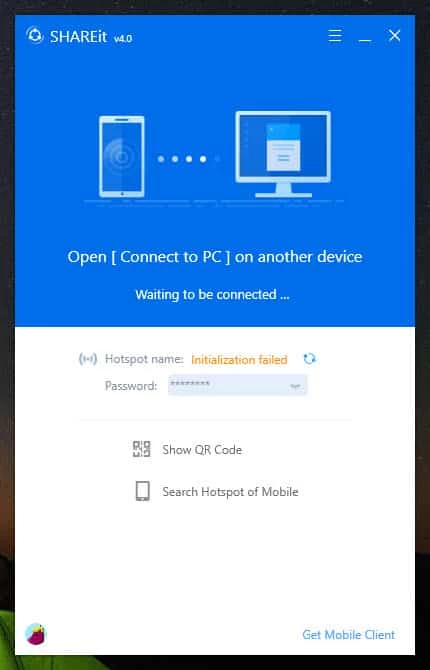
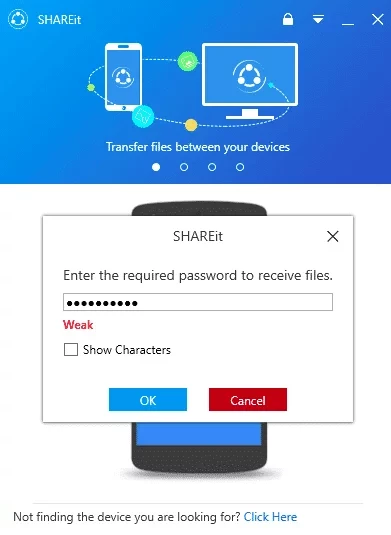
SHAREit 5.1.0.7 for Windows is a free file transfer app from the SHAREit Team for moving photos, videos and documents between a PC and a phone. According to catalogue data, the download is about 22.71 MB, and this version is dated 26 September 2026.
Download SHAREit for Windows if you often copy files from your phone to a computer and are tired of cables, chat apps that compress pictures or cloud uploads that take ages.
SHAREit is aimed at people who move a lot of files between their own devices, usually over the local connection between a phone and a PC. Typical cases are emptying a phone gallery before a trip, sending a finished video from the computer to a phone, or passing documents to a friend sitting at the same table. The PC app and the phone app find each other, you confirm the connection, and files go across without being uploaded anywhere first, so large videos arrive in their original quality. It suits households with mixed devices and anyone with a slow or limited internet plan, because the transfer does not depend on mobile data. It is less useful if all your files already live in a cloud service you trust, since that service will sync them on its own.
Keep both devices close together and on the same network if possible, and close other heavy downloads while sending big folders. Send a few large files rather than thousands of tiny ones in one go; the transfer is steadier that way. If the connection keeps dropping, restarting the app on both sides usually helps.
The app is free to download and use. Install it only from the official website or official app stores, never from mirror sites that repack installers. During transfers, accept connections only from devices you recognise, and review the permissions the phone app asks for.
A Windows PC, a phone with the SHAREit app and some free space for the installer and the files you receive. Most modern laptops are compatible out of the box.
If you already use Google Drive, its Windows client can sync phone uploads to your PC without a separate transfer app.
Zapya for Windows is a free file transfer app from DewMobile for moving files between a PC and phones over a local wireless connection.

Easy Connection to Screen is Samsung's Windows app for showing a PC's screen on a compatible Samsung TV over a wireless connection.

4K Video Downloader Plus is a Windows program from Open Media for saving online videos, playlists and audio for offline use, with a free mode and paid licences.

Internet Download Manager (IDM) is a shareware download manager for Windows from Tonec that accelerates, resumes and schedules downloads.

uTorrent (μTorrent) is a small BitTorrent client for Windows from Rainberry (BitTorrent Inc) for downloading and sharing files over torrents.

AnyDesk is a remote desktop application for connecting to and controlling another computer over the internet, from a small Windows program.

ShareMe is Xiaomi's free app for sending files between devices without a cable; on Windows the Android app runs only inside an emulator.

Xender is a free file sharing app from the Xender File Sharing Team for sending files between phones and computers over a local connection.